Stately StudioAccounts
Upgrade your Stately Studio account
Upgrade
Every new Stately Studio account starts with a free 7-day trial of the Pro plan, no credit card required, so you can explore how our premium features work for you and your team. When the trial ends, your machines and projects become read-only until you upgrade.
You can upgrade to a Pro, Team, or Enterprise plan at any time while you’re signed into Stately Studio.
Upgrade to a Pro or Team plan
You can upgrade when you’re signed into Stately Studio using the Upgrade button in the editor’s footer.

Upgrade to an Enterprise plan
for a custom plan tailored to the requirements of your organization.
Manage your subscription plan
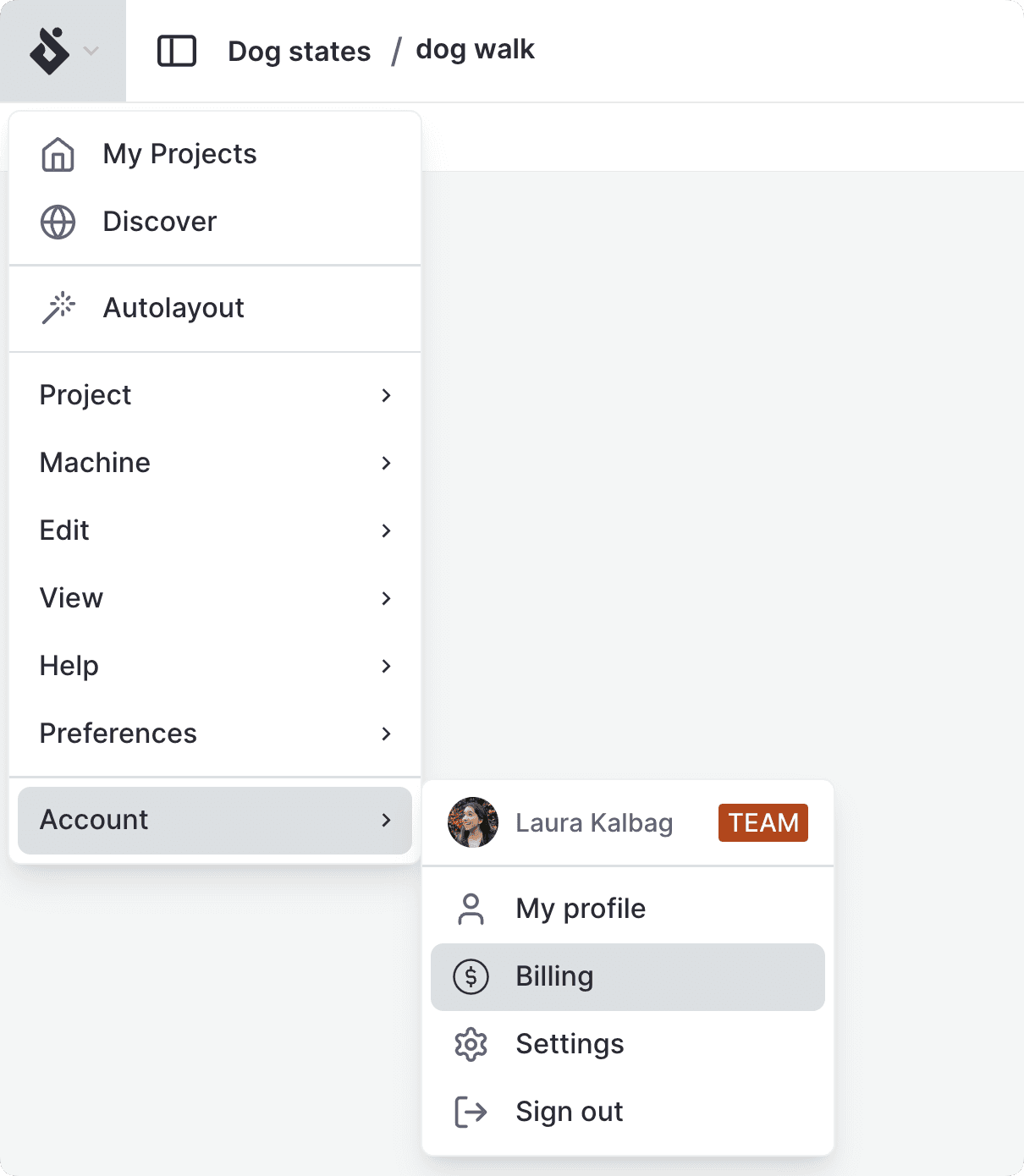
- From the editor, use the Editor menu, and from the Account section, select Billing.
- From elsewhere in the Studio, select your avatar from the header and choose Billing from the account menu.